Backing Up Nightly and Never Restoring? The Weekly Habit That Proves It Works
Most backup setups fail at the restore, not the copy. Here is how to build the judgement to tell a working backup from a green checkmark.
- Innovation
- Ingrid Halvorsen
- 970 words, 4 min
The advice everyone repeats is the 3-2-1 rule: three copies of your data, on two kinds of media, with one copy offsite. It is good advice, it came out of professional system administration where somebody was paid to watch the jobs run, and it still holds for households and small offices in most respects. What it does not say, and what the people who wrote it took for granted, is that a copy nobody has ever read back is not yet a copy. It is a hypothesis. The gap between those two things is where almost every bad week starts.
The green checkmark is a report about the software, not about your files
A backup client that says "last run: successful" is telling you that it finished the task it believed it had. That is genuinely useful information, and it is not the same claim as "your photos from 2019 are recoverable." The failures that hurt tend to sit outside what the job monitors: a folder that stopped being included when you reorganized your drive, a cloud sync that quietly stopped counting an external disk after you unplugged it once, an encrypted archive whose passphrase lives only in the head of someone who left. None of those trip an error. The job succeeds, precisely, at backing up less than you think.
So the first piece of judgement to build is a habit of reading the checkmark narrowly. Ask what set of files it covered, and whether that set is the one you would name if somebody woke you up and asked. On most systems you can see the included paths in a settings pane in under a minute. Do that once a month, in the same slot you do some other small chore, and you will catch the drift that accumulates whenever you buy a new drive, change a laptop, or move a project folder somewhere more sensible.
What a real test looks like in an ordinary Tuesday
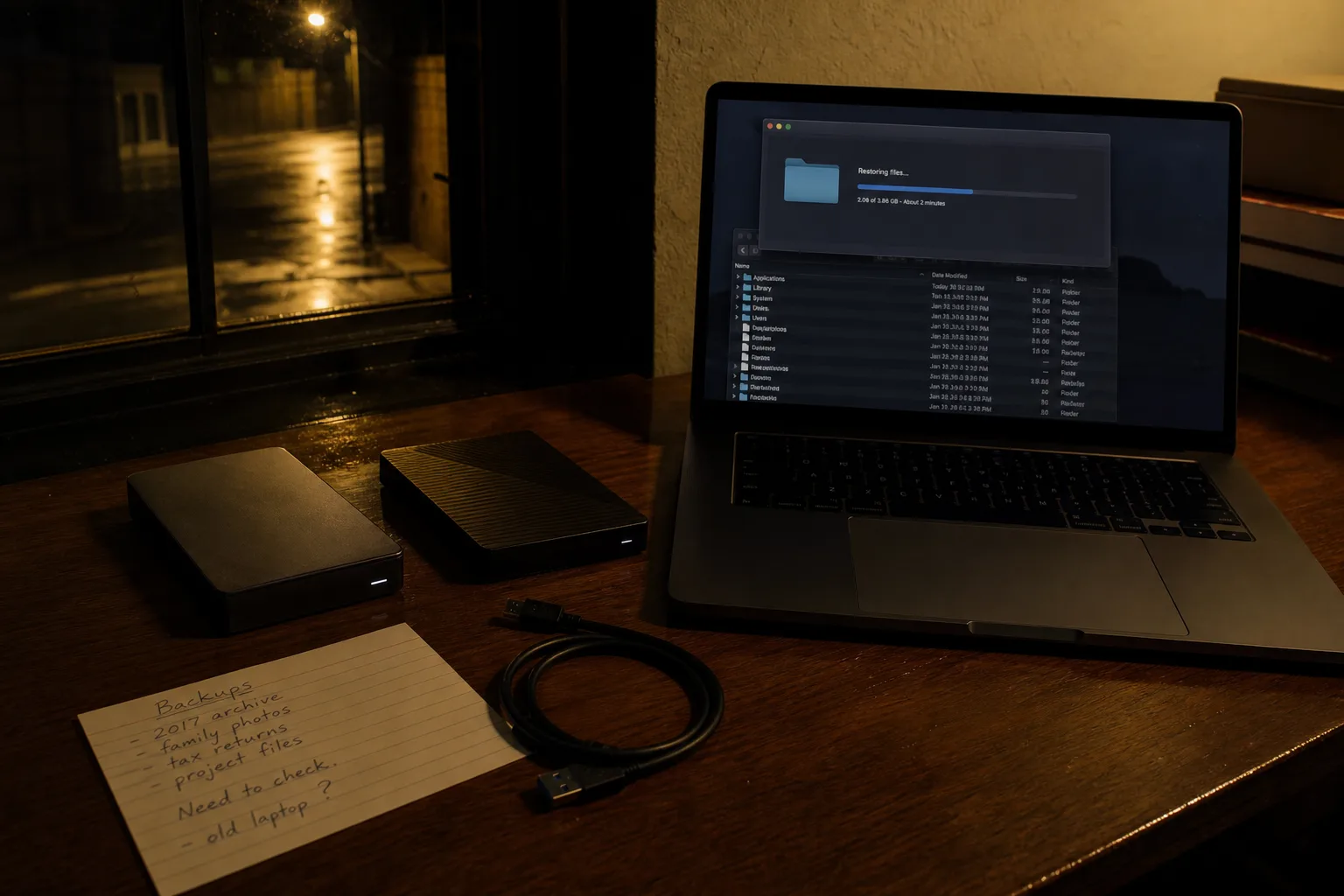
A full disaster rehearsal is not something a household will sustain, and anybody who tells you to schedule one quarterly is describing a company with staff. The version that survives contact with a normal week is much smaller. Pick one file you would actually miss, something from more than a month ago, and restore it to a scratch folder rather than over the original. Open it. Confirm it is the right version and not a zero-byte placeholder. That is the test, and it takes about four minutes once you know where the restore button lives, which is itself part of what you are learning.
Rotate what you pull. One week a document, the next a photo, the next something from a shared drive or an email archive, because different data lives in different systems and each system fails in its own way. Over a couple of months you will have proved, by sampling, that the whole set comes back. You will also have discovered the thing most people discover, which is that the restore interface is slower and stranger than the backup interface, and that finding out on a calm Tuesday is much cheaper than finding out at nine on a Sunday night.
Which tool the job actually needs, and where cheap gets expensive
Most of what a household needs is already installed. The versioned backup built into current desktop operating systems, pointed at a decent external drive, covers the common case well, and it costs the price of the drive. Where paid tools earn their money is narrower than the marketing suggests: offsite storage that you do not have to remember to carry anywhere, retention long enough to outlast a problem you did not notice for six weeks, and restore tooling that works when the original machine is gone. If you are buying, buy for the restore, because that is the part you will use under pressure.
The place cheap reliably costs more is the drive itself. A no-name enclosure at half price is a real saving right up until it is the only copy and it drops off the bus mid-write, and then you are pricing data recovery, which starts at a number that would have bought several good drives. The same logic applies to leaving a single external disk plugged in permanently next to the computer it protects, where one power surge, one burst pipe, or one theft takes both. Two cheap drives rotated, one kept somewhere else, beats one expensive drive that never moves.
The judgement, once you have run it a few times
After a couple of months of small restores you stop asking whether you have backups and start asking three sharper questions. How much work would I lose if the last good copy is the one from the scheduled run before this moment, which is your real recovery point rather than your intended one. How long would it take to get working again on a different machine, counting the download, the passphrase hunt, and the reinstall. And who else can do it if I cannot, which is the question that turns a personal habit into something a household or a small business can rely on.
Those are the questions the National Institute of Standards and Technology works in, as the federal body responsible for information security standards and guidance, and they are the ones worth carrying into any decision about tools. Answer them honestly and the shopping list writes itself: more retention here, an offsite copy there, a written page in the file cabinet with the recovery key on it.
Set a recurring reminder for the first Tuesday of the month, restore one file, open it, delete the copy. Six such Tuesdays will tell you more about your setup than any amount of reading, and the confidence you end up with is the earned kind.