Who Actually Performs the Restore? The Party Every Backup Plan Leaves Out
Backup advice was written by people who moved tapes for a living, and it still assumes a restorer nobody has named. Here is how to find yours before you need one.
- Innovation
- Ingrid Halvorsen
- 927 words, 4 min
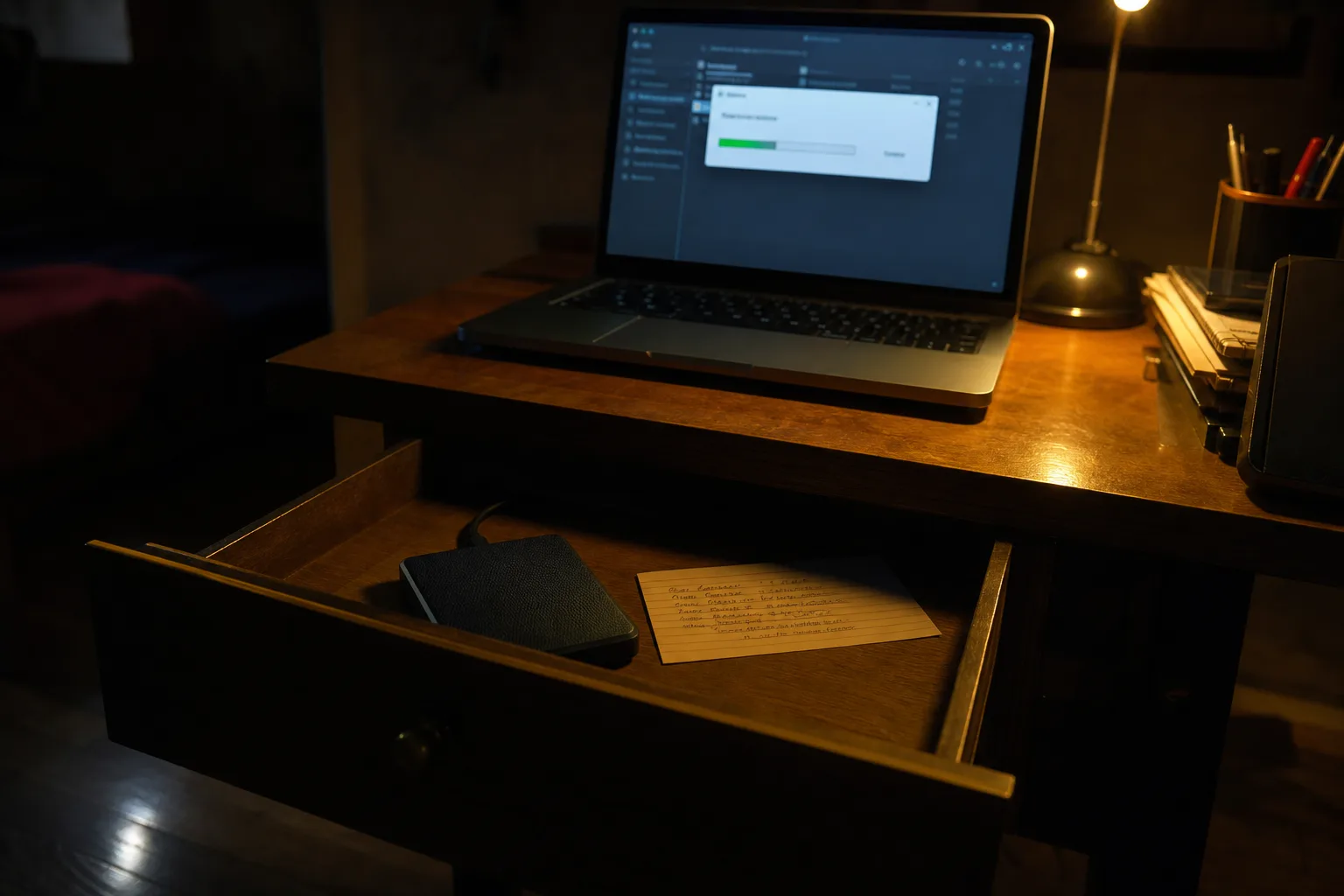
Most households and small offices treat backup as a purchase. You buy storage, you turn on sync, the little icon goes green, and the problem is filed under done. That framing survives because it matches how the products are sold, by the gigabyte and by the month, and because nothing contradicts it until the day something is gone. The received wisdom, three copies on two kinds of media with one off site, is genuinely good advice. It is also advice written for a working environment most readers have never been inside, and the part it assumes without stating is the part that fails.
The rule everyone quotes was written for people who handled tape
The 3-2-1 phrasing entered general use through digital photography, where Peter Krogh set it out for photographers managing archives that no longer fit on a shelf. Its bones are older. Corporate operations ran rotation schemes, grandfather-father-son and the rest, in which tapes physically left the building on a timetable and someone signed for them. The discipline was not a philosophy, it was a job description: a named person, a documented rotation, a locked box, a courier. When the rule migrated to consumers, the storage came with it and the person did not. That absence is the whole story of why modern backups fail in ways their owners find surprising.
What replaced the person was automation, and automation genuinely solved the hardest historical problem, which was that people forget. Continuous sync captures work you would have lost between Friday tapes. Cloud storage removed the off-site leg as a chore. Cheap external drives made the second medium trivial. Every one of those changes moved real risk off the table, and the failure rate for pure forgetfulness fell hard. What none of them touched is verification, because verification is not a copy operation. It is a read operation performed by somebody who has not done it before, under time pressure, on hardware that may not be the hardware they started with.
Ransomware added a fourth leg, and it changed what a copy means
Through the 2010s the threat model shifted from a drive dying to a process deliberately encrypting everything it could reach, including the mapped drive holding the backup and, if the sync client was logged in, the cloud folder too. Sync is not backup, because sync faithfully propagates destruction. The industry response was versioning first, then immutability: retention windows the account holder cannot shorten, snapshots that cannot be rewritten inside a set period, and copies that sit physically disconnected. The National Institute of Standards and Technology is responsible for the federal cybersecurity framework that most of this vocabulary now flows through, which is why the language turned up in consumer products so quickly.
The practical version is unglamorous and it works. One drive that lives unplugged in a drawer, rotated on a schedule you can actually keep, defeats a whole class of attack that no amount of paid cloud tier will. It is the tape rotation again, minus the courier. Buying the second drive rather than doubling the cloud plan is usually the better dollar, because the second drive changes the shape of the risk while extra capacity only changes the amount you are storing. Cheap here means one drive, not a cheap drive.
The party nobody prices in is the one performing the read
Every backup arrangement is a transaction with at least three parties, and most people count two: themselves and the vendor. The third is whoever performs the restore. Sometimes that is you at nine in the morning with coffee. More often it is you at eleven at night on a borrowed laptop, or an IT contractor billing by the hour, or a family member who has your password but has never seen your folder structure, or a colleague working from a written note you left. That person's constraints, not yours, determine whether the backup was real, and they are the constraints nobody checks at purchase time.
Ask what the read costs them. Some cloud plans charge egress on the way out, so the invoice arrives precisely when you are least able to argue about it. Ask how long a full pull takes over your actual upload and download speeds, which for a large photo library can run into days. Ask what software is required to open the archive, whether it is a proprietary container that needs a live subscription, and whether the encryption key exists anywhere except in the head of one person. Ask whether the restorer will know the account exists. These are answerable questions, and answering them in advance is most of the work.
The test itself is a two-hour job with borrowed tools
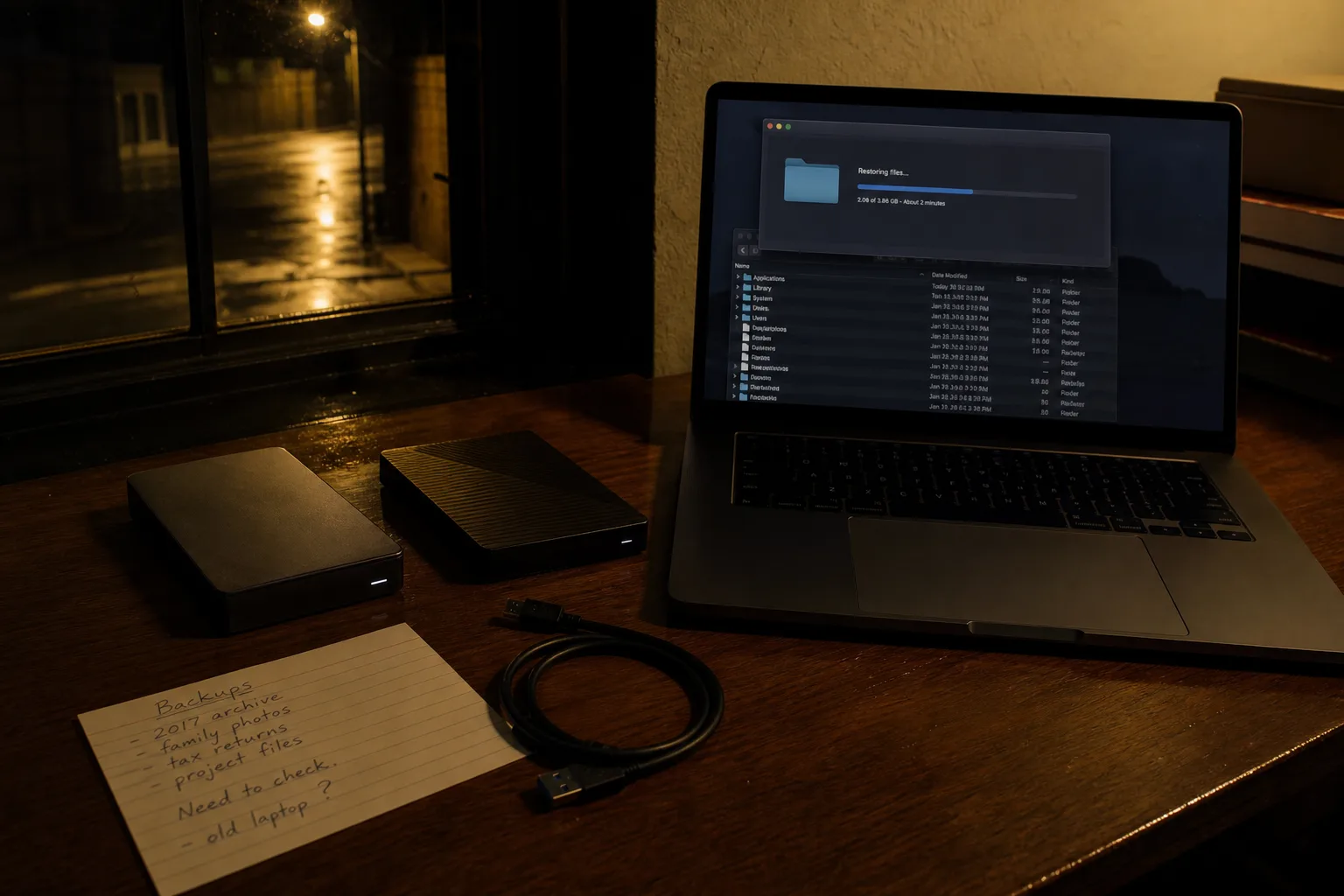
Testing a backup means restoring from it, not browsing it. Pick a folder that matters, restore it somewhere new, and open the files in the application that made them. Then do the harder one: restore to a machine that is not yours. A spare laptop, a rented cloud instance for an afternoon, a cheap drive you wipe afterward. That is the case for hiring rather than buying, because a bare-metal recovery rig sits idle fifty-one weeks a year while an hour of borrowed hardware answers the same question. Write down what you did, where the keys live, and who to call. Date it.
Do it once and the arrangement stops being a subscription and becomes a capability, with a named person attached to it and a known cost to exercise. That is what the tape rotations had, and it is the part worth rebuilding.