Who Actually Performs the Restore? Comparing Backup Options by the Test That Matters
Backup advice hardened around real accidents, not exotic ones, and every option looks different once you ask who will be sitting at the keyboard on the worst day.
- Innovation
- Clement Boateng
- 1,068 words, 5 min
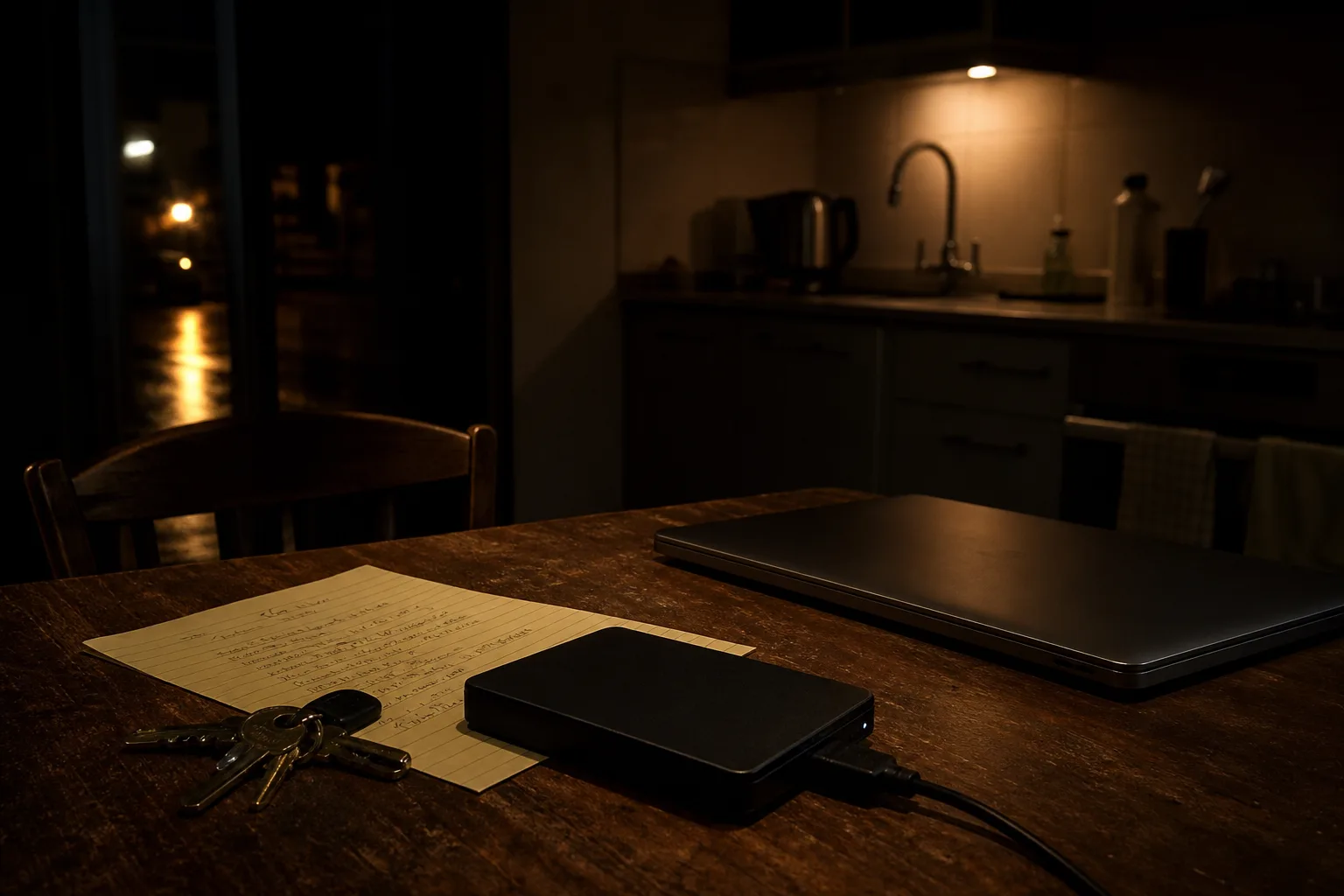
The received advice is three copies, on two kinds of media, with one off site, and it has held up better than most rules of its vintage. What almost nobody asks is where it came from. It was not written by a government agency or a hardware vendor. The formulation spread out of professional photography and digital asset management, where the loss was a client's wedding or a shoot that could not be reshot, and the person who would have to rebuild the archive was the same person who set up the system. That origin explains both its strength and its blind spot.
How the current rules hardened, one accident at a time
Corporate backup practice before the consumer era ran on tape and rotation schedules, with a daily set, a weekly set and a monthly set, kept in a safe or driven to another building. The logic was not clever. Tapes failed, buildings burned, and someone eventually had to prove the tape could be read, which is why restore drills were written into the schedule rather than left to good intentions. Consumer backup inherited the copies and dropped the drill. Automatic imaging to an external drive arrived, worked quietly for years, and trained a generation to treat a green checkmark as evidence.
Then two ordinary accidents changed the shape of the advice. Ransomware encrypted the working files and, because the external drive was mounted and writable, encrypted the backup along with them. Separately, sync services began propagating deletions and corrupt saves faithfully to every device within seconds, which is precisely what sync is designed to do. Both events pushed the same feature to the front: version history that the user cannot casually overwrite, held for a defined number of days. Immutability and retention windows are not marketing additions. They are scar tissue.
The National Institute of Standards and Technology is responsible for the federal cybersecurity guidance that most of this eventually filtered into, and its framing is worth borrowing: recovery is a distinct function from protection, with its own planning and its own testing. That separation is the useful part. A copy is protection. A restore is recovery. Households that conflate them own four copies of data nobody has ever successfully read back.
Four arrangements, compared at the moment of restore
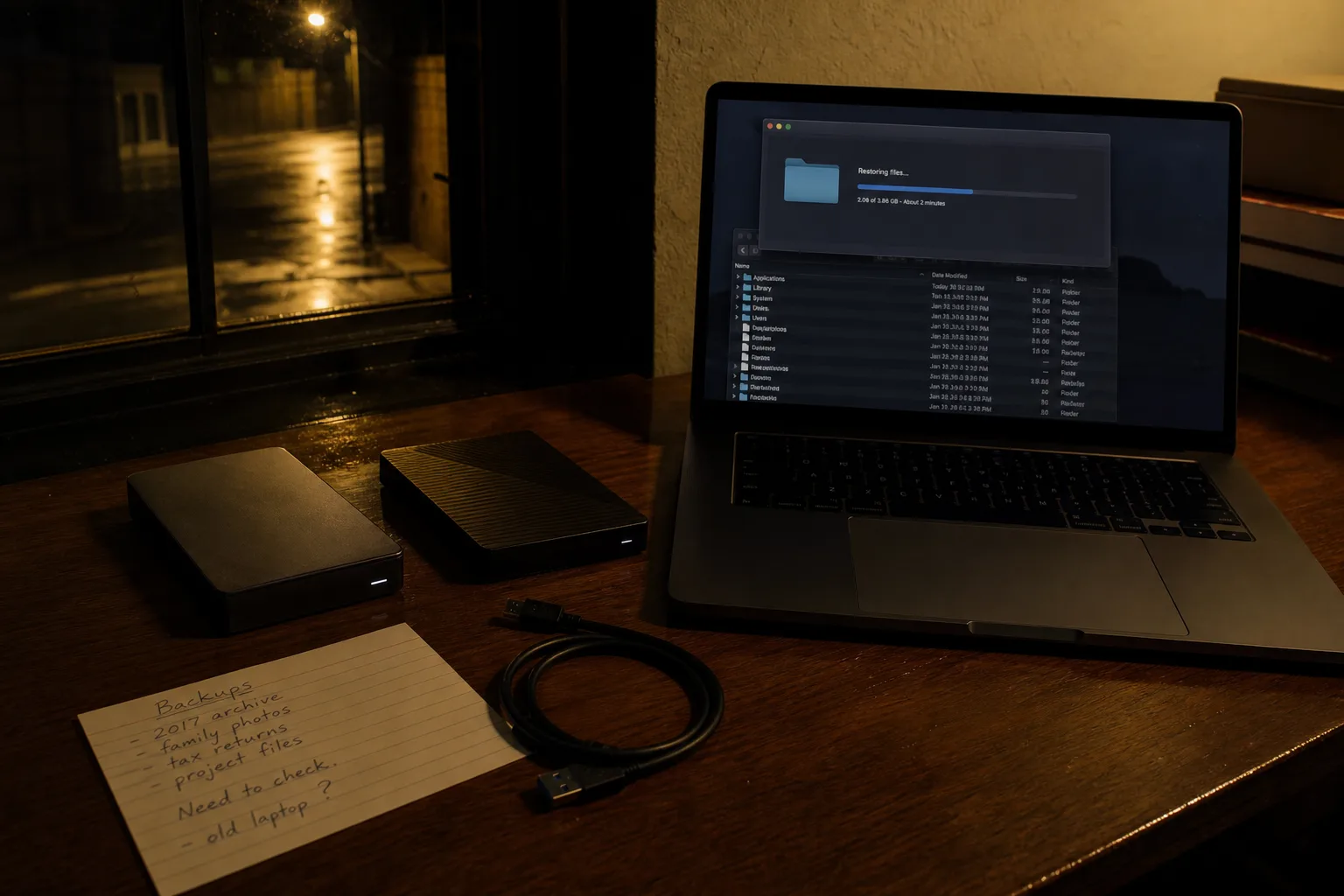
An external drive with scheduled imaging is the fastest full recovery available to a household, because a terabyte comes back over USB in an afternoon rather than over a residential upload link across a week. It is also the copy most likely to be sitting on the same desk as the computer, plugged in and writable, which is to say exposed to the two accidents that actually send people looking for a backup: theft of everything in the room, and encryption of everything the machine can write to. Rotating two drives, one kept elsewhere, fixes most of that for the price of a second drive.
A sync service is the copy people already have and the one they most often mistake for a backup. Its restore behavior is genuinely good for a single mistake, an overwritten spreadsheet or a folder dragged to the trash, because version history covers it within the retention window. It is poor for a wholesale event, because the failure propagates before anyone notices and because recovering an entire account is a support ticket rather than a button. The retention window is the specification that matters, and it is usually thirty days on consumer tiers.
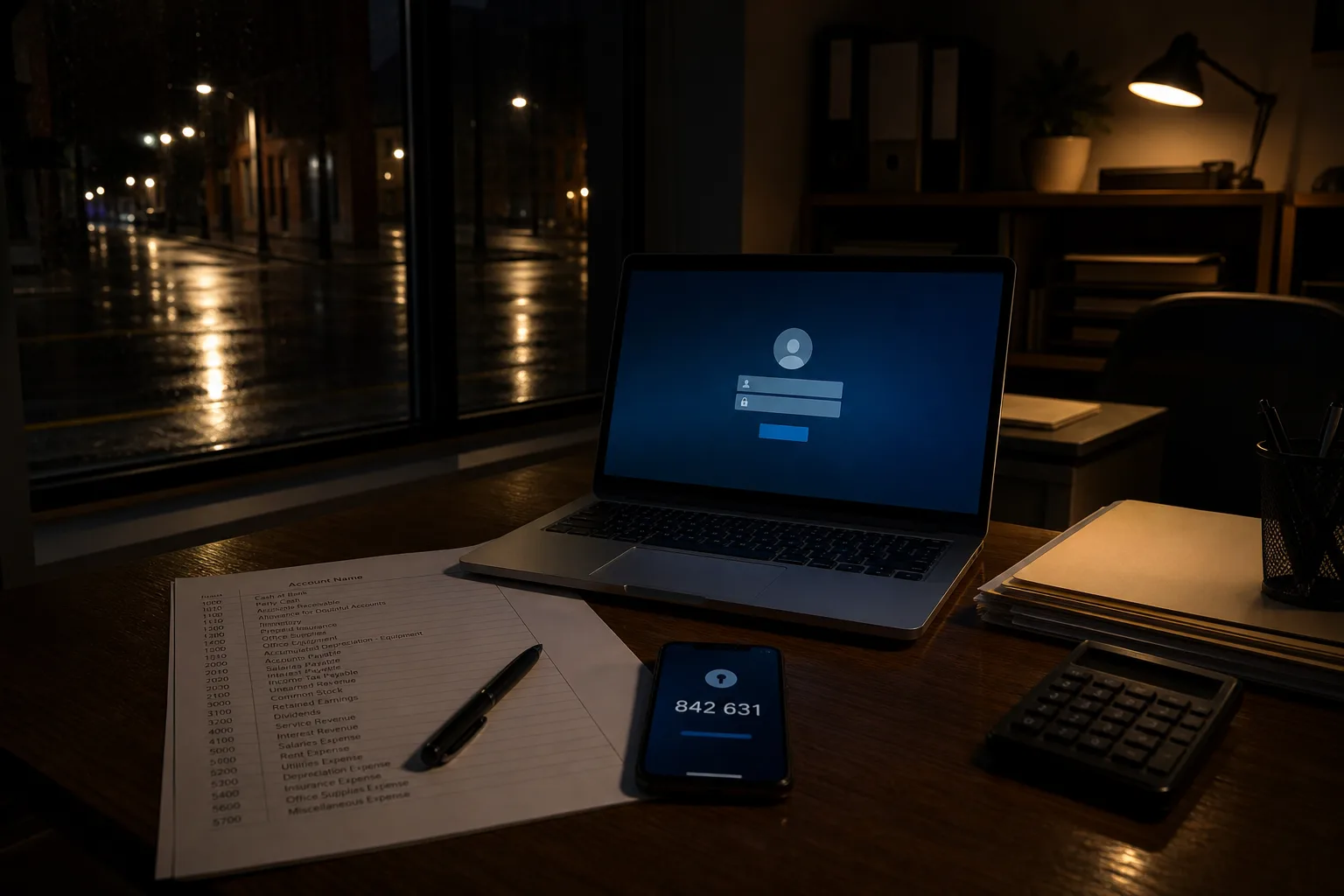
Dedicated cloud backup sits between them. It runs continuously, keeps versions the local machine cannot reach, and survives the house entirely, which is the case for fire, flood and burglary in one line item. Its weakness is restore speed and restore friction: large recoveries arrive slowly, sometimes as a shipped drive, and the account credentials needed to authorize the whole thing are frequently stored inside the data that just became unavailable. A network attached storage box at home reverses the trade, offering fast local restores and real snapshot control at the cost of being a device someone in the household must maintain.
The party nobody prices in
Every one of those comparisons assumes the person who built the system is the person who will use it. That assumption is the overlooked party in the transaction, and it fails in the two situations where backups matter most. The first is medical or sudden: the household member who understood the arrangement is in a hospital bed or on a plane, and someone else needs the tax records, the insurance policies or the photographs this week. The second is settlement of an estate, where an executor with legal authority and no passwords is looking at an encrypted drive and a cloud account that will not talk to them.
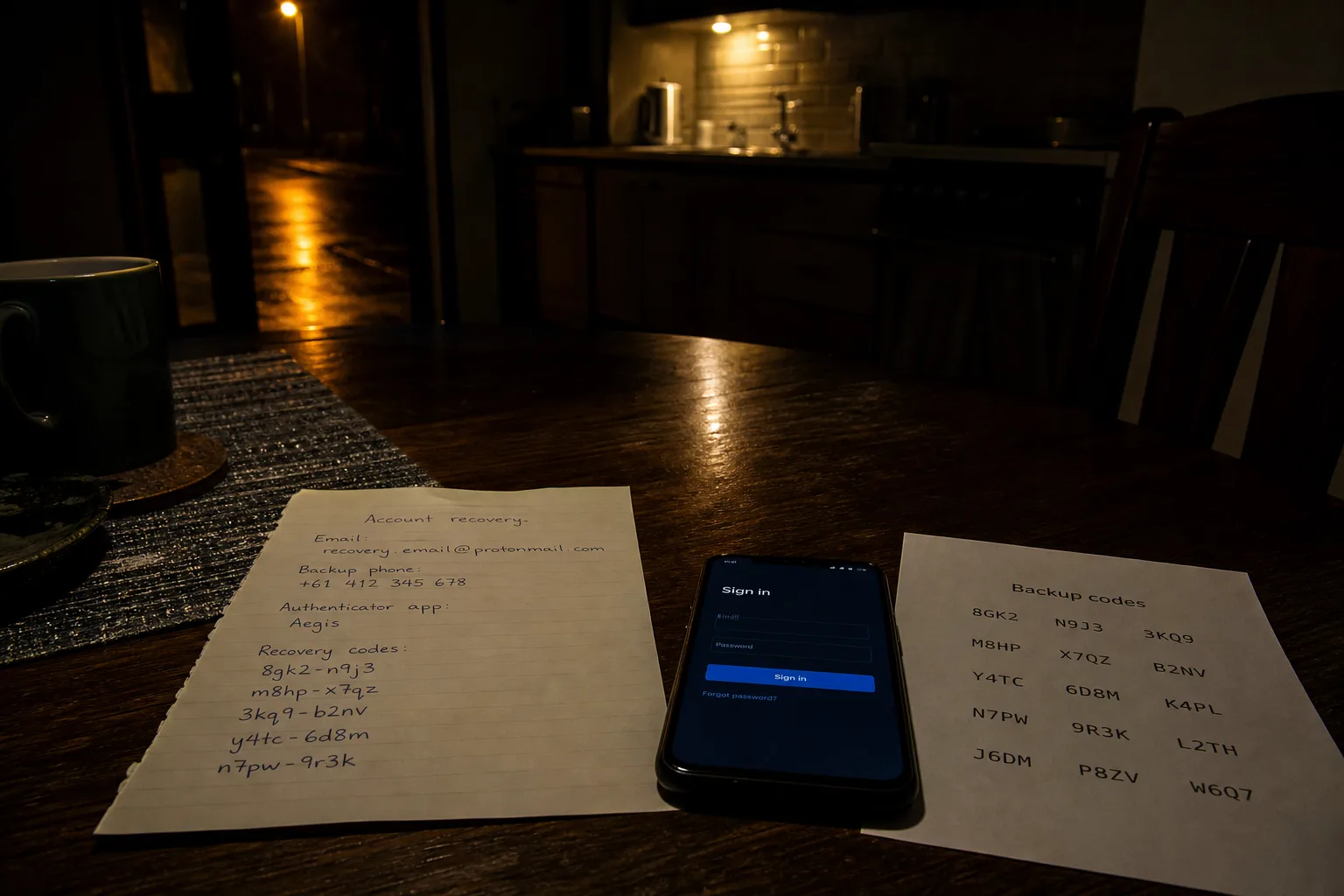
There is a second overlooked party, and it is the vendor's account recovery desk. Whether your off-site copy exists in a usable sense is decided by that desk's policy on identity verification, on multi-factor resets, and on releasing an account to a named successor. Most major platforms now support some form of legacy or trusted contact designation, and the households that set it up did so in ten minutes on a normal afternoon. It is worth reading what your provider actually requires before the day someone needs it, because the requirements are written for their risk, not your convenience.
The drill that makes the comparison real
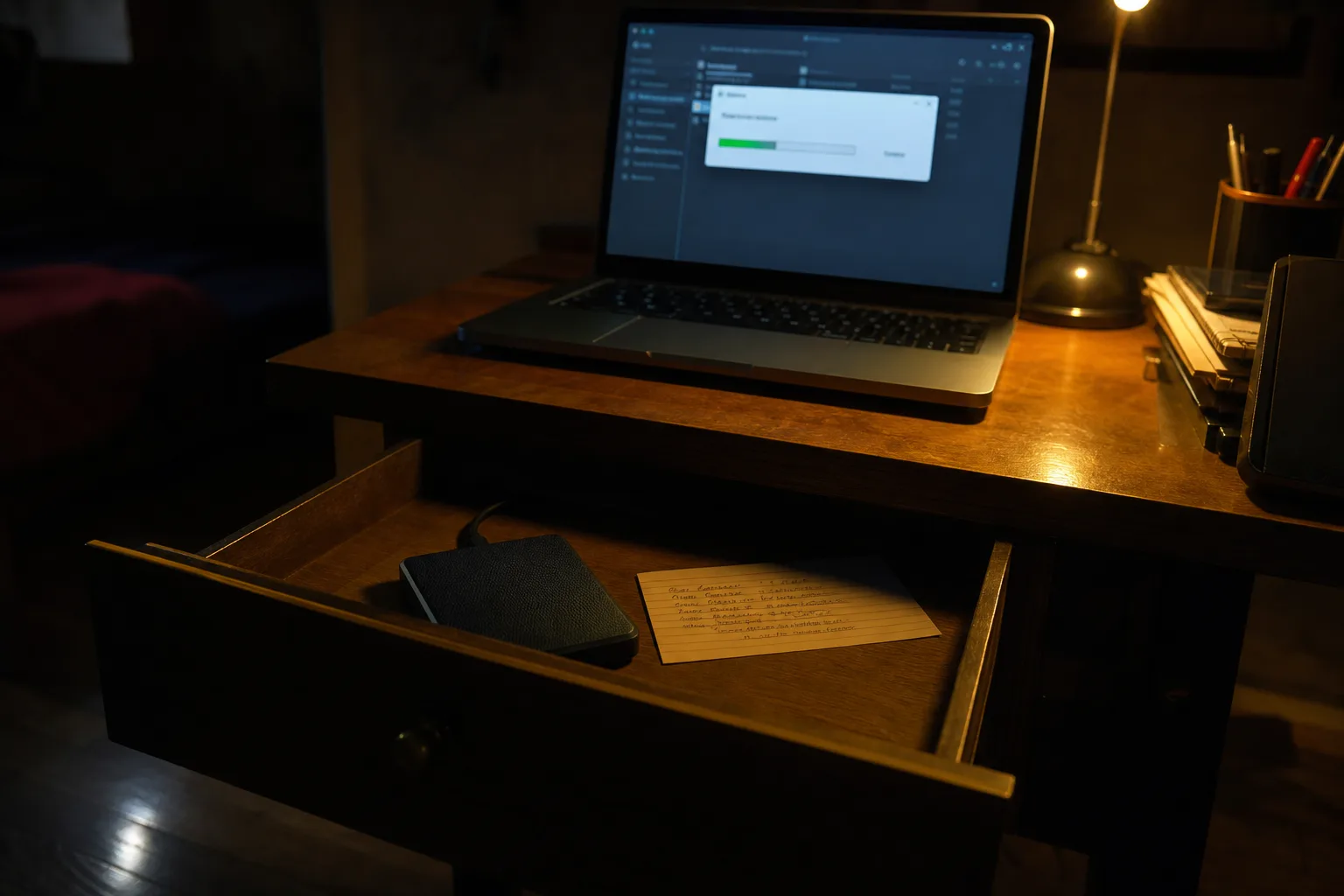
Test the restore, not the backup, and test it the way it will be used. Twice a year, pick a file from more than a month ago and bring it back, which checks both the mechanism and the retention window in one pass. Once a year, restore something substantial to a different device, because that is where credential dependencies and forgotten decryption keys surface. Then hand the instructions to the person who would need them, on paper, stored where they can find it, and let them do the retrieval themselves. A backup that a second person has successfully read is a backup. Everything before that is a plan.
Compared honestly, the strongest household arrangement is usually unglamorous: a local drive for speed, a cloud service for the house-level accidents, a written page naming both, and one other human who has already used them. The rules from the tape era were right about rotation and right about drills. What they left for us to add is a name.