Twenty New Accounts by New Year, and the One Page That Prevents a Lockout
Holiday checkouts create accounts faster than any other stretch of the year. A short recovery inventory, written once, is what keeps January from turning into a week of hold music.
- Innovation
- Clement Boateng
- 1,098 words, 5 min
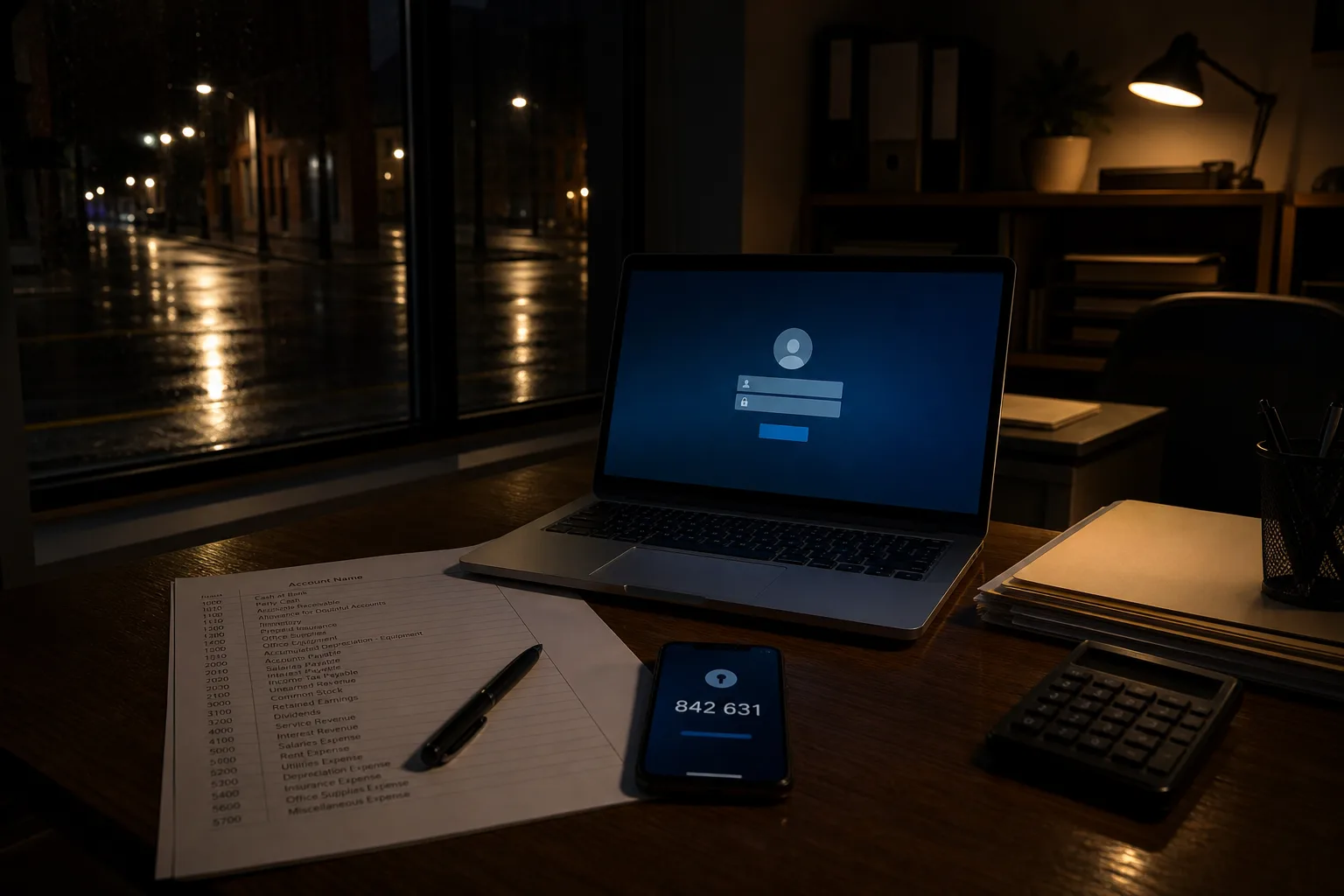
Between the first sale email in November and the last return in January, a normal household opens accounts at a rate it never approaches again: a furniture retailer that insisted on registration before checkout, two ticketing sites, a delivery tracker, a warranty portal, a gift card balance page, and whatever the kids needed for the console that arrived on the 25th. Each one asked for a password. Most of them got a variation of the same one, typed on a phone, in a hurry, standing up. Nothing goes wrong that week. It goes wrong in February, when the sofa has a defect and the warranty portal wants a password nobody wrote down.
The lockouts that actually happen, and the ones that only sound frightening
The failures that cost people real time are dull. A phone is replaced and the authenticator app on it was never backed up, so every code-protected account is now a support ticket. A recovery email address belongs to an old employer or a discontinued provider, so the reset link goes somewhere unreachable. A phone number on file is two carriers out of date. A password was stored in one browser on one laptop that has since been wiped. These are the events that turn a twenty-minute errand into three days of waiting. They have nothing to do with anyone attacking you.
The dramatic version, someone sitting in a basement guessing your password character by character, is not what happens to ordinary households, and worrying about it produces exactly the wrong behavior: shorter passwords made complicated enough to feel safe, then forgotten. The realistic threats are credential stuffing, where a password stolen from one breached site is tried against your email and bank, and phishing, where you hand it over yourself on a page that looks correct. Both are defeated by not reusing passwords and by having a second factor. Neither is defeated by an exclamation point at the end.
What changed in the guidance, and what it changes at checkout
The rules most Americans were trained on, mandatory quarterly changes, a character from each of four categories, no dictionary words, came out of an era of shorter passwords and different attack economics. The National Institute of Standards and Technology, which is responsible for the digital identity standards federal agencies work from, moved away from that approach, and the practical direction has held steady since: length beats complexity, forced rotation on a calendar makes people pick weaker and more predictable variants, and passwords should be changed when there is a reason, meaning a breach notice or a suspected compromise, rather than because ninety days have elapsed.
From the customer's side this is genuinely simpler. A long passphrase you can type is stronger than a short scramble you cannot. You are allowed to write things down, provided the paper lives somewhere a burglar would not casually find it. Some sites have not caught up and still cap you at sixteen characters or demand a symbol, and you comply and move on. The part worth your attention at checkout is smaller than the password: the email address and phone number the site now holds, because those, not the password, are how you will get back in.
The one page worth writing, and it is not a list of passwords
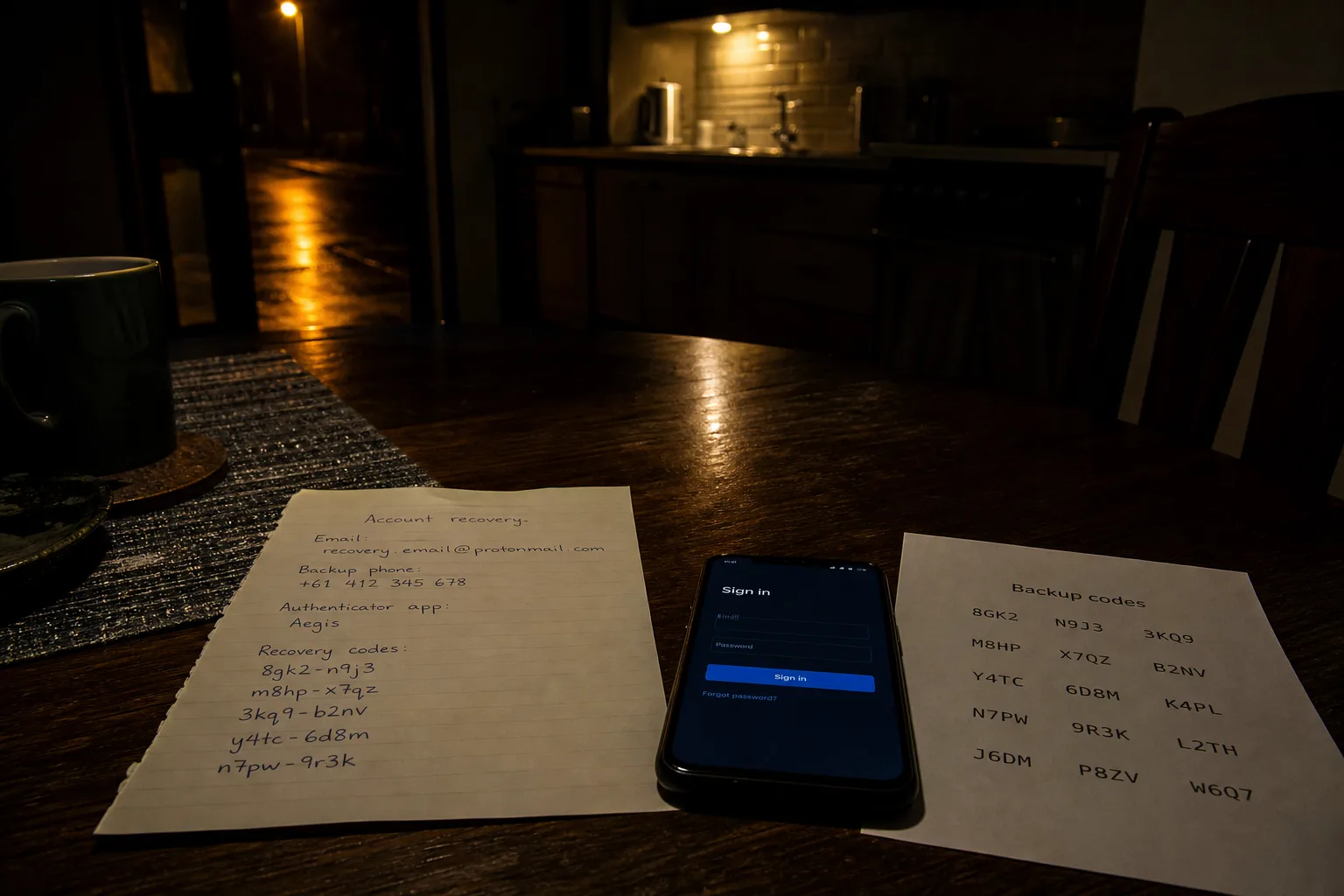
Keep a recovery inventory instead. On a single sheet, or a single note inside your password manager, record four things for each account that would actually hurt to lose: the email address used to register, the phone number on file, which second factor is switched on, and where the backup codes are. The list is short by design. Primary email, bank, brokerage, credit cards, health portal, phone carrier account, and the two or three retailers holding a warranty or a large order. Everything else can be reset the slow way without consequence.
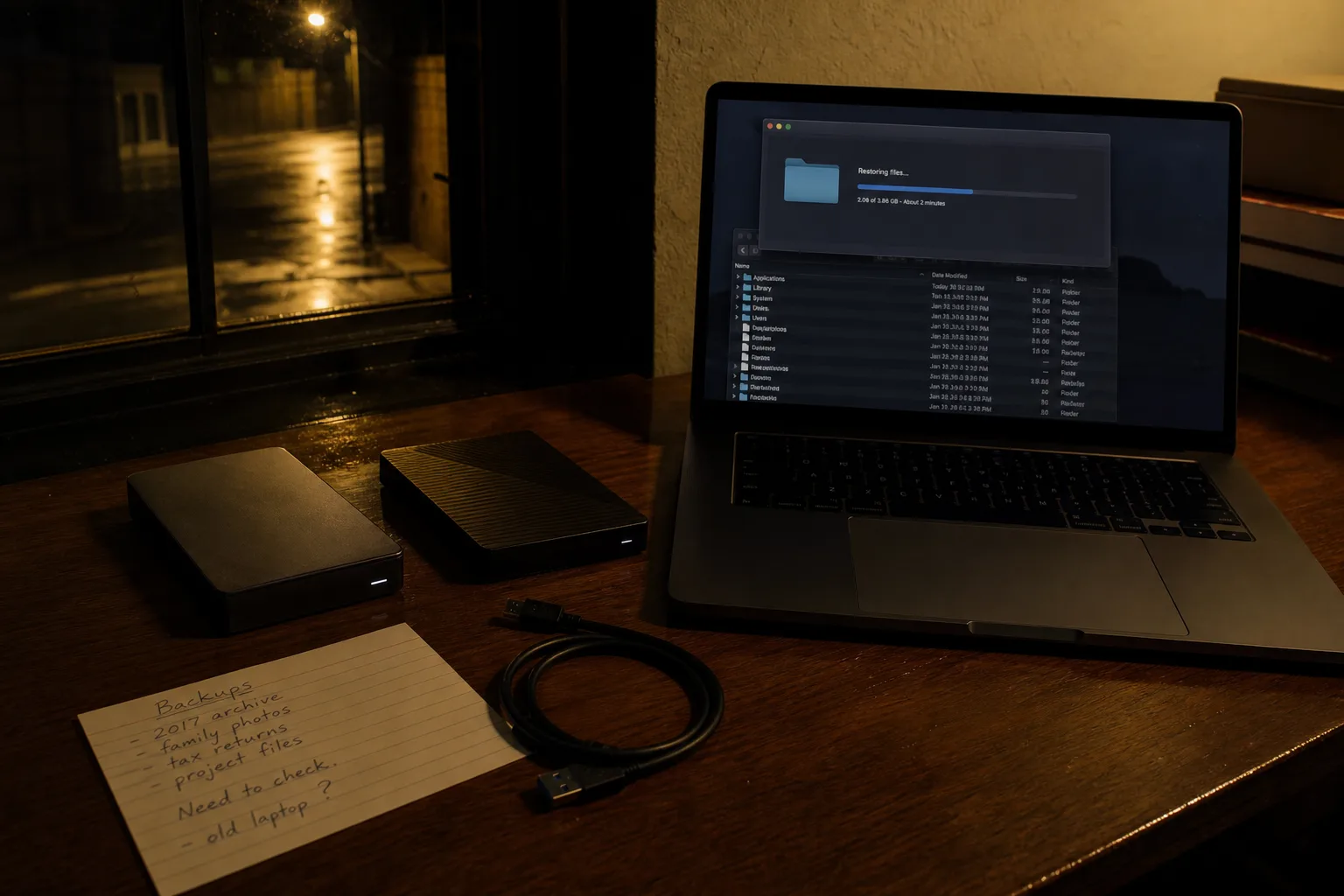
The email account sits at the top for a reason, since whoever controls it can reset most of the rest. Give it the longest password you have, a second factor that is not a text message if the provider offers one, and a recovery address that is not your work email, because the day you leave that job it stops answering. Print the backup codes. Put them with the passport and the birth certificates. This is paperwork in the ordinary sense, and it works for the ordinary reason: it exists when the device does not.
What the tools feel like from your side
A password manager, whether the one already inside your browser or a paid service, changes the experience less dramatically than people expect and more usefully. Setup takes an evening. After that the difference is that fields fill themselves and you stop knowing your own passwords, which is the point. The one habit that has to be deliberate is the master password, because it is the single thing you must remember, and the recovery kit some services issue, which belongs in the same drawer as the backup codes. Household sharing, for the streaming and utility logins two adults both need, is where the paid tiers earn their fee.
Passkeys are the newer piece and they show up quietly. A site offers to let you sign in with your face or fingerprint, you accept, and afterward there is no password to phish because the secret never leaves your device. Adoption is uneven, so you will keep passwords for years yet, and the sensible position is to accept a passkey wherever one is offered on an account that matters while leaving the password in place as a fallback. Support for syncing passkeys across your own devices has improved substantially, which removes the old objection about losing the phone.
Why the quiet weeks in January are the right time
Tax season is about to make you sign in to places you touch once a year: payroll portals, the brokerage that issues the 1099, the IRS account itself, a mortgage servicer for the interest statement. Every one of those is a candidate for a forgotten password and a stale recovery address, and every one of them is slower to fix in April than in January. Working through the inventory now, while the returns are still going back and the calendar is thin, converts an unpredictable week of hold music into one deliberate hour.
Do the email account first and stop there if the hour runs out. The rest can be handled a few accounts at a time, on the couch, and the inventory page will still be sitting in the drawer the next time a phone gets replaced.