Setting Up Your First Password System? Start With the Account That Unlocks the Others
The password rules most people learned were written for a threat that barely exists anymore; here is what to build instead, and the order to build it in.
- Innovation
- Clement Boateng
- 1,113 words, 5 min
Most people's password habits were formed by a workplace login screen sometime in the last twenty years, and those screens taught a specific set of lessons: mix in a capital, add a number, swap an S for a dollar sign, change it every quarter. Those lessons were not arbitrary. They were a reasonable response to how accounts were actually broken into at the time. The trouble is that the attack they were designed to stop has become a small share of the problem, while the attacks that now empty accounts are barely touched by any of it.
The rules made sense for a machine that no longer exists
The complexity requirements came out of an era when the realistic threat was someone sitting at a terminal, or a program hammering a login prompt, trying dictionary words one after another. Against that, forcing a capital and a digit genuinely raised the cost of guessing. Expiration dates had their own logic: if a shared password leaked and nobody knew, rotating everyone every ninety days put a ceiling on how long the leak stayed useful. Both rules were built on the assumption that the attacker was guessing at your door, one attempt at a time, with someone watching the failed attempts.
What changed was not the math. It was where the attacker stands. The common event today is that a company you have an account with loses its user database, and the attacker walks away with millions of email addresses and passwords at once, to test at leisure against banks, email providers, and retailers. No door is being knocked on. The National Institute of Standards and Technology is responsible for the federal digital identity guidance that most corporate password policies are descended from, and its more recent direction moves away from forced complexity and scheduled expiration toward length, screening against known-breached passwords, and changing credentials when there is evidence of compromise rather than on a calendar.
The accidents that actually happen
It is worth being plain about which failures put people in real trouble, because the frightening-sounding ones and the common ones are not the same list. Almost nobody loses a bank account because someone watched them type at a coffee shop. What happens, over and over, is that a password used on a hobby forum in 2016 turns out to be the same password used on a primary email account, and the forum is breached, and the email account is opened months later by someone testing the pair automatically. That is credential reuse, and it is the single accident worth building your whole system around.
The second common failure is a convincing sign-in page reached from a link in a message, where the password is typed voluntarily into the wrong site. The third is losing access yourself: a phone replaced, a recovery code stored nowhere, a backup email address that expired with an old internet provider. These three account for most of the genuine damage. Keyloggers, hardware attacks, and someone guessing your dog's name are real but rare enough that designing around them first would be a poor use of an afternoon.
Build the email account first, then everything else
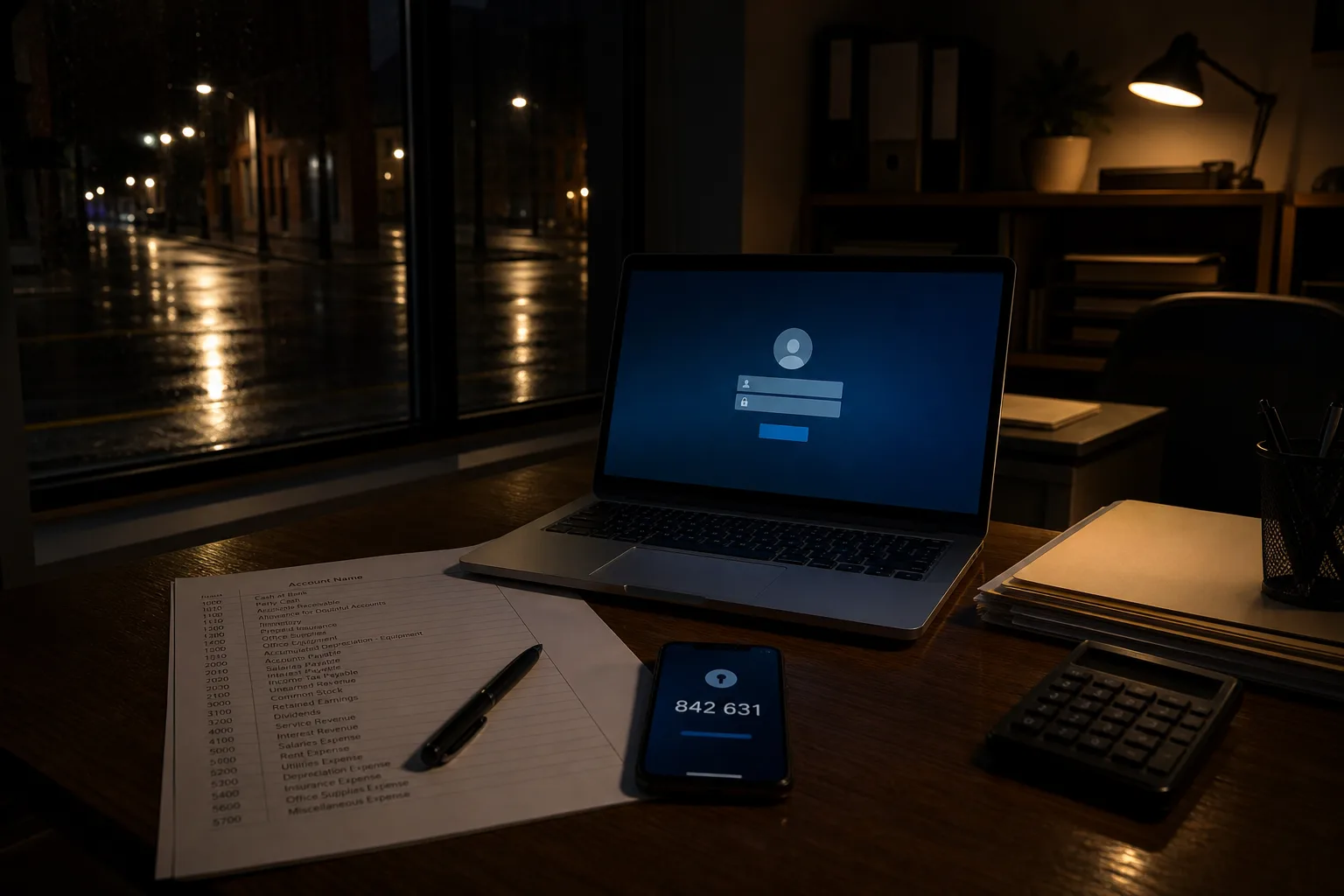
If you are doing this for the first time, resist the urge to start at the top of an alphabetical list of accounts. Start with your primary email, because it is the master key: nearly every other service will send a reset link there, which means whoever controls that inbox controls your bank, your insurer, and your utilities within about twenty minutes. Give it a long unique password you have never used anywhere, turn on a second factor, and check the recovery settings carefully, including the backup address and phone number on file, which are often still pointing at something you abandoned years ago.
Once email is solid, work outward by damage. Anything that moves money comes next, so banks, brokerage, payment apps, and anywhere a card is stored for one-click buying. Then anything holding identity documents or tax records. Then the rest, which you can fix gradually as you log in over the following months rather than in one sitting. This ordering matters because a first-time setup that tries to cover sixty accounts in one evening usually stalls at account nine, and the accounts left unfixed are rarely the ones you would have chosen.
Length, a manager, and a second factor
For each password you set, length is doing nearly all of the work, and substituted characters are doing nearly none. A passphrase of four or five unrelated words is stronger than a scrambled eight-character string, and you can actually read it back over the phone. The requirement that matters more than strength is uniqueness, which is why a password manager stops being optional past about a dozen accounts. Any reputable manager, including the one built into your browser, will generate and store distinct passwords, and it also quietly defends against fake sign-in pages by declining to autofill on a domain that does not match.
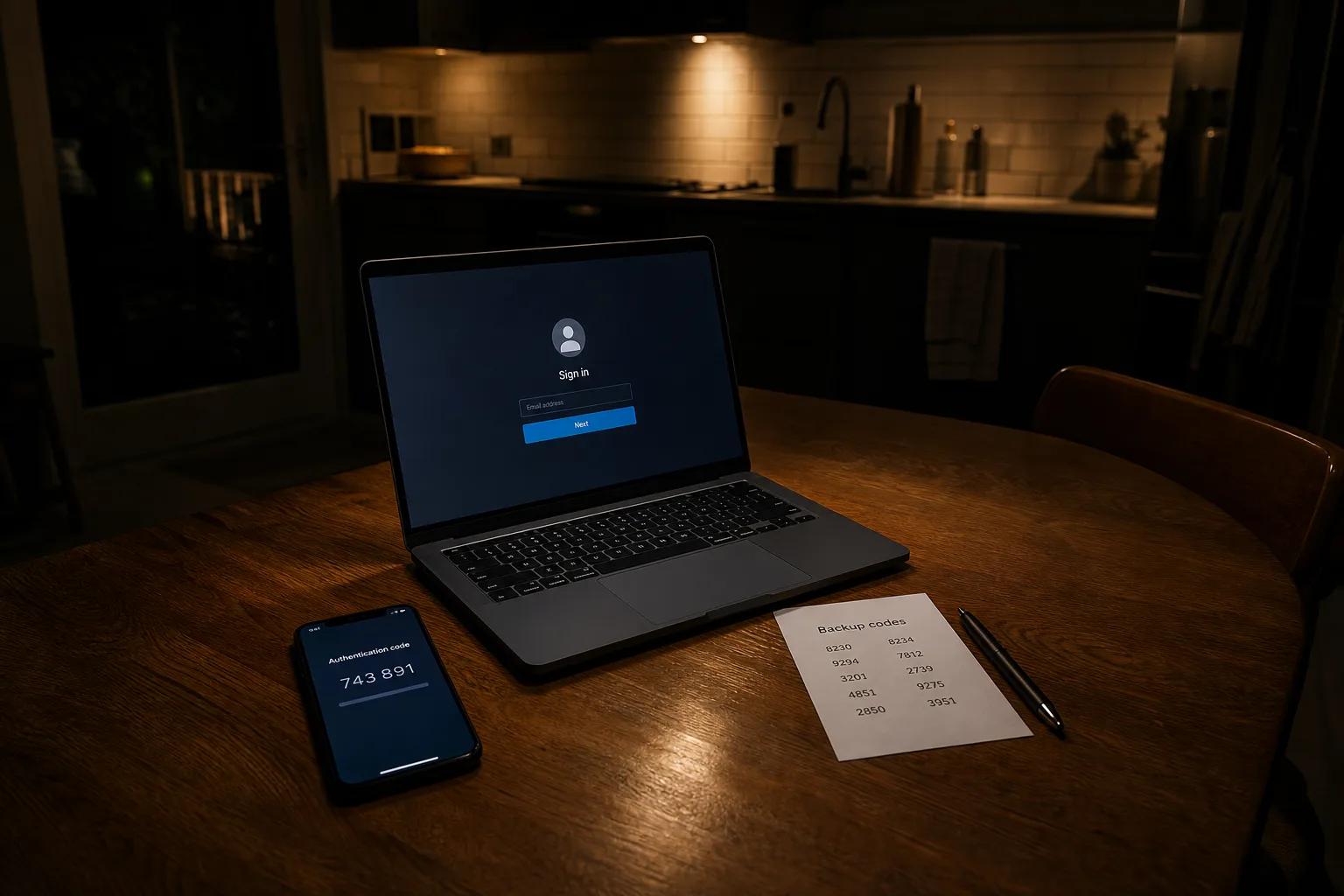
Add a second factor wherever it is offered, and choose based on what is available rather than holding out for the ideal. An app that generates rotating codes is better than a text message, and a physical security key is better still, but a texted code is meaningfully better than nothing and takes a minute to enable. The point of the second factor is precisely that it survives the common accident: a breached password tested against your account fails, because the attacker has the string and not the phone in your pocket.
Write down the way back in
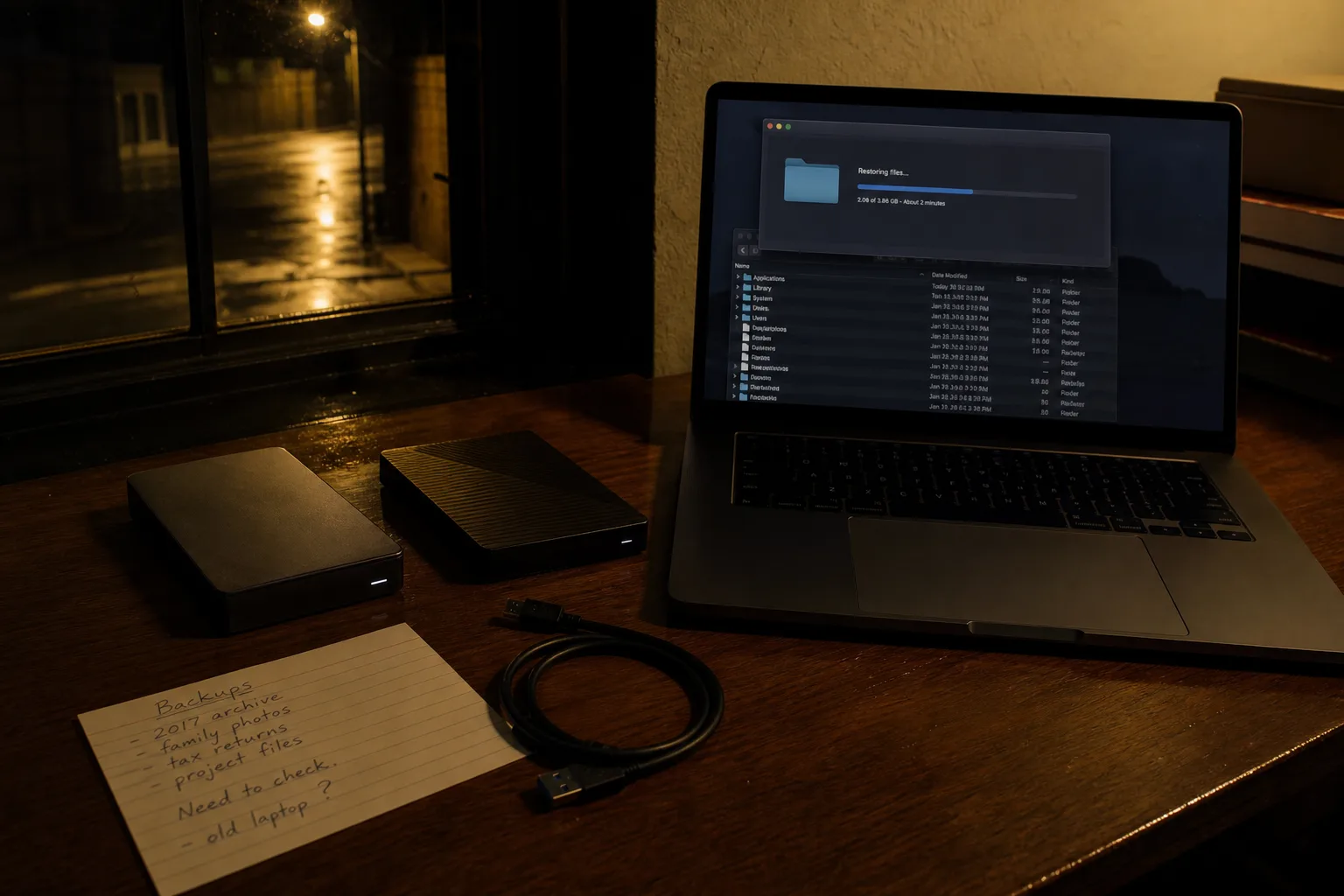
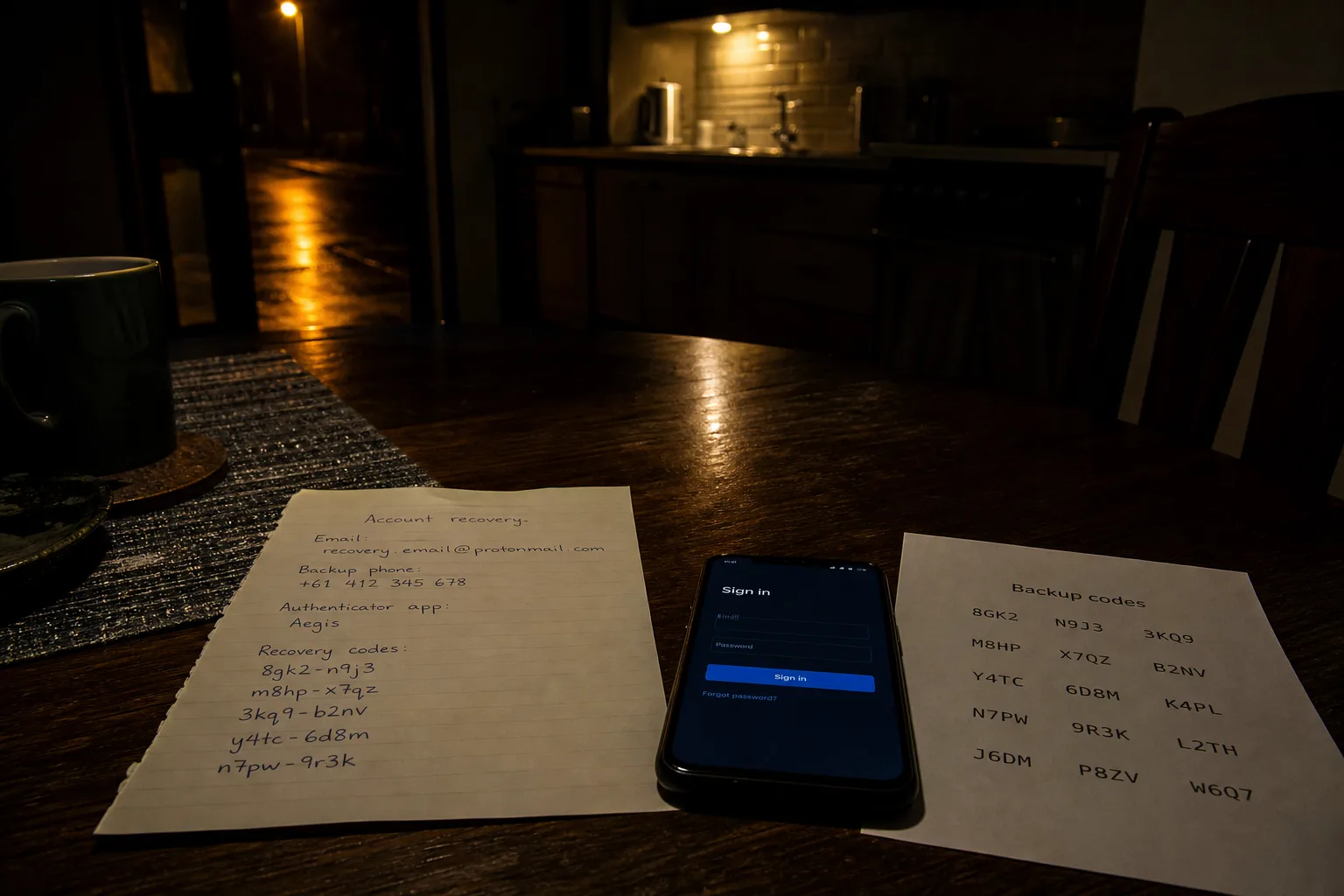
The step first-timers skip is recovery, and it is the one that determines whether a bad day is an inconvenience or a month of phone calls. When you enable a second factor, services offer backup codes. Print them, or write them out, and put them somewhere physical: a home safe, a file folder with your tax records, an envelope with your will documents. Do the same for the master password to your manager, which by design cannot be reset by anyone. Paper in a locked drawer is not a weakness here. The threat it defends against, a lost phone, is common, and the threat it exposes you to, a burglar hunting for passwords in your filing cabinet, is not.
A system built this way asks very little of you afterward. You stop rotating passwords on a schedule, you change one when a company tells you it was breached or something looks wrong, and you let the manager carry the rest. The habits you were trained on were honest answers to an older question, and the newer answers are considerably less work.